

Sync Music Seamlessly with 7digital
Overview
7digital Music Sync is a free desktop application designed for iPhone users seeking a reliable way to transfer and organize music across devices. Developed by 7Digital Ltd., the software operates within the Music & Radio category and is tailored for individuals who manage personal music libraries and want consistent access to their favorite tracks on iOS devices. The application enables users to sync music files from their computer to their iPhone, maintaining playlists and metadata such as artist names, album titles, and track durations. This functionality is particularly useful for those who frequently update their music collections or rely on offline listening during commutes, travel, or workouts.
Target users include casual listeners, music enthusiasts, and professionals who depend on curated audio libraries. The software supports multiple languages, including English, Spanish, and German, making it accessible to a broad international audience. While the developer did not provide additional details about the company’s background, the app has been available on Softonic since November 26, 2018. Despite the lack of recent updates or performance benchmarks, the application remains functional as a dedicated sync tool for iOS users.
Key Features & Capabilities
- Music File Synchronization – Enables seamless transfer of music files from a computer to an iPhone, preserving playlists, album art, and metadata.
- Multi-Language Support – Offers interface and content in English, Spanish, and German, enhancing accessibility for non-English speakers.
- Compatibility with iOS 12.1.2 and Above – Ensures functionality on modern iPhone models running supported iOS versions.
- Free to Use – No cost for downloading or using the application, making it accessible to a wide user base.
- Simple File Management – Allows users to select specific tracks or entire folders for syncing, giving control over content selection.
Users can leverage these features to maintain an up-to-date music library on their iPhone without relying on cloud-based services. For example, a commuter might use the app to transfer a custom playlist of workout songs before a long train ride. Similarly, a traveler could sync a collection of audiobooks or podcasts for offline access during flights. The app’s focus on direct file transfer supports privacy-conscious users who prefer local data control over cloud storage.
User Interface, Workflow & Performance
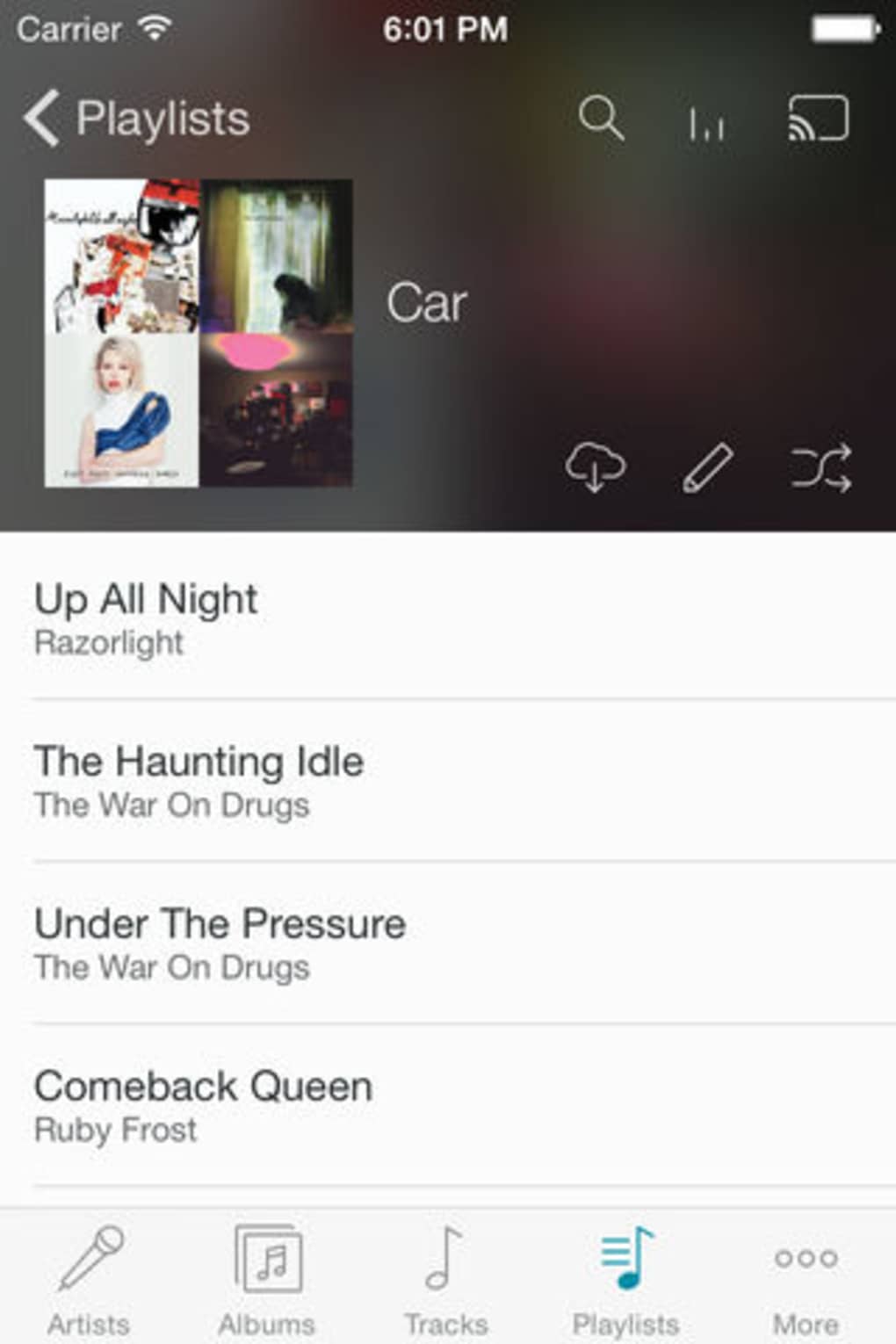
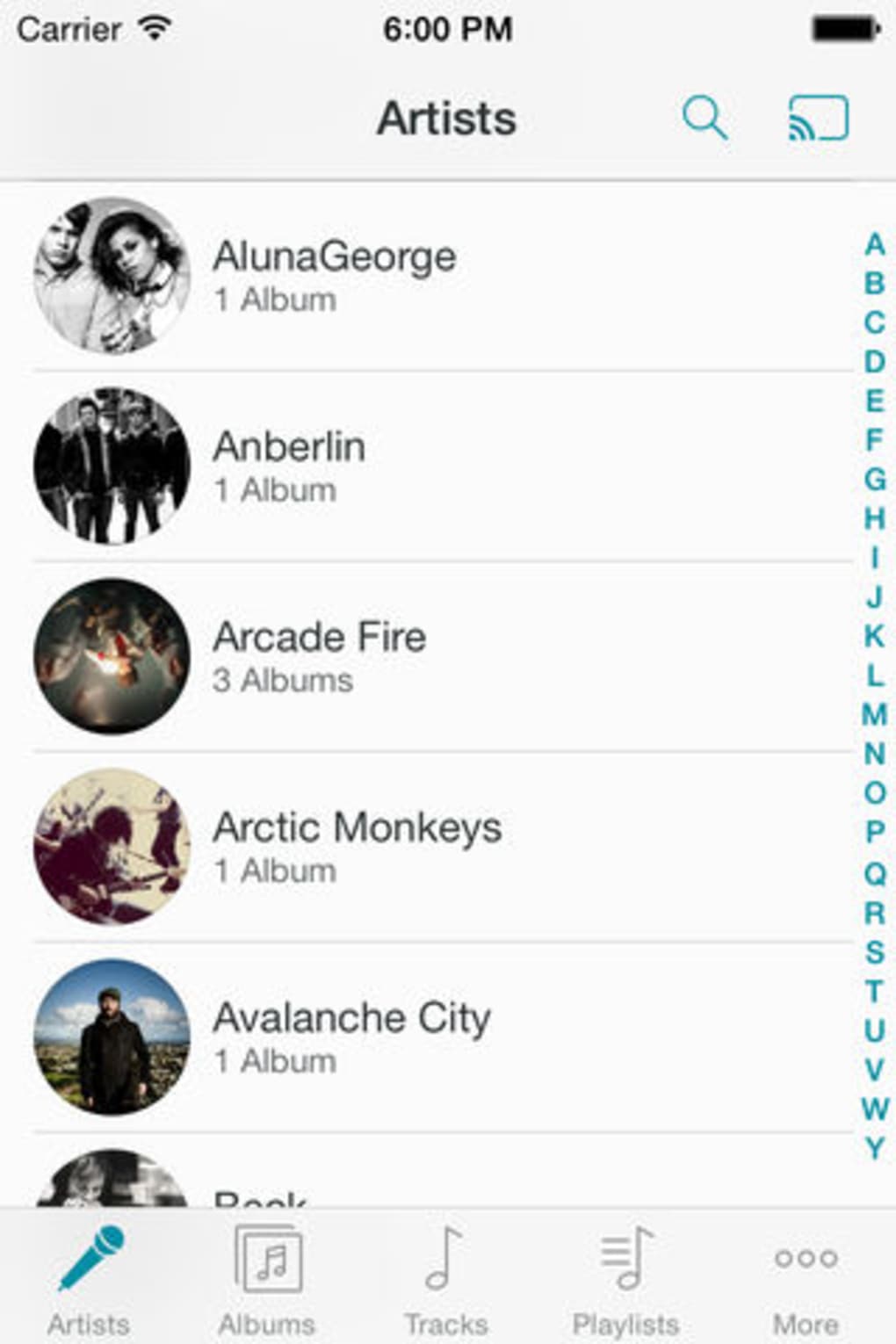
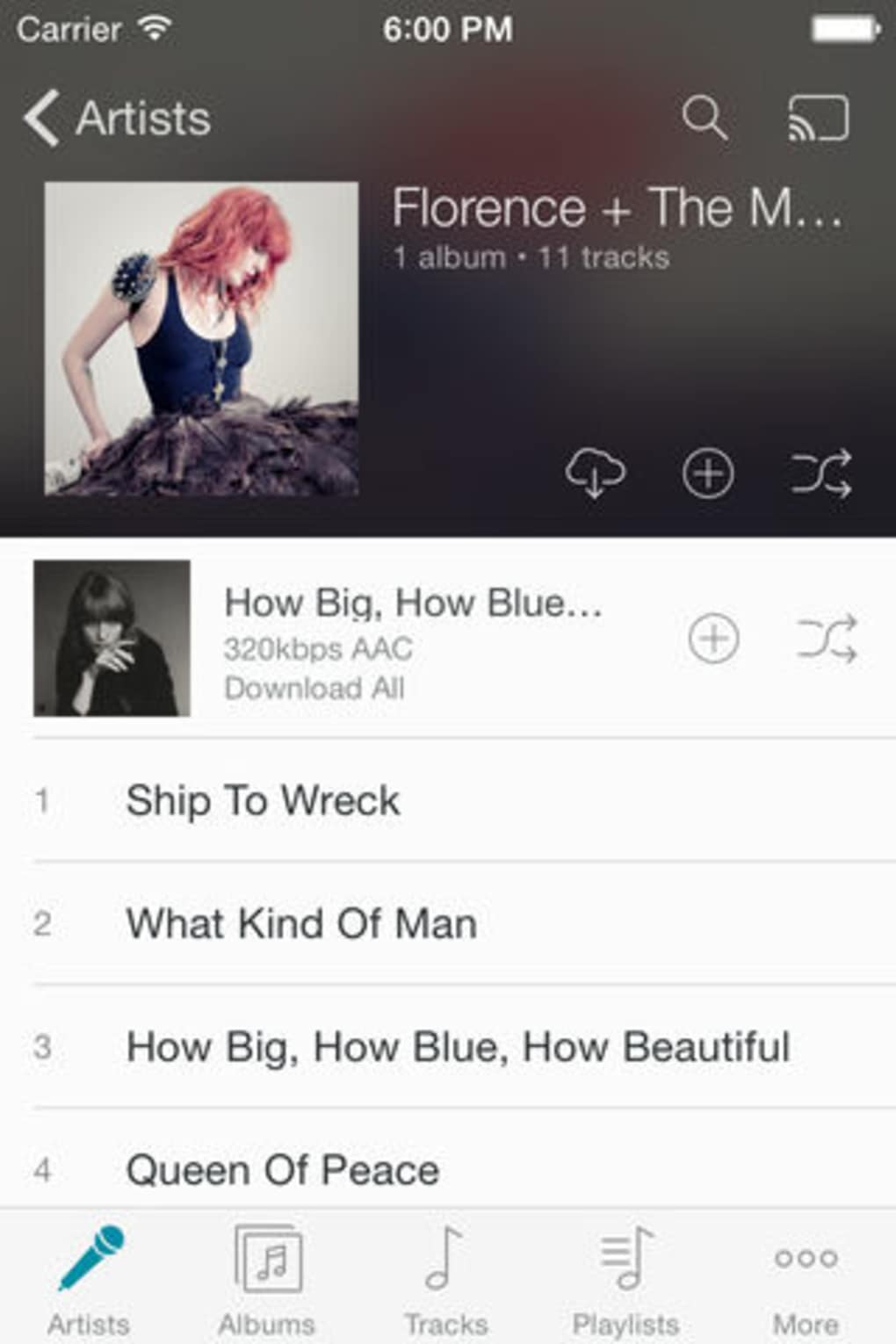
The user interface of 7digital Music Sync is designed with simplicity in mind, prioritizing ease of navigation for users who may not be tech-savvy. The layout follows a standard desktop application structure, with a main window displaying connected devices, available music files, and sync options. Navigation is intuitive, allowing users to browse their computer’s file system, select music files, and initiate sync tasks with minimal clicks.
Workflow efficiency is enhanced by the app’s straightforward process: connect the iPhone via USB, launch the software, choose the desired content, and start the sync. The interface does not include advanced customization options, which may limit power users but benefits beginners seeking a no-frills experience. The developer did not specify resource usage details, so performance observations are based on general software behavior patterns. Users can expect stable operation during typical sync tasks, though prolonged or large-scale transfers may vary depending on device speed and file count.
Compatibility & System Requirements
7digital Music Sync is designed exclusively for iPhone devices and requires iOS 12.1.2 or a later version to function. The application is available as a desktop software for use on compatible systems, though specific operating system requirements for the desktop client were not listed. The installation size is 58.6 MB, which is relatively modest for a media management tool.
Exact system requirements were not listed, and compatibility with specific macOS or Windows versions was not provided. Users are advised to ensure their computer meets the minimum requirements for running third-party desktop applications. The developer did not specify whether the software supports other Apple devices beyond the iPhone, nor did they confirm support for newer iOS versions beyond the stated minimum.
Pros and Cons
Pros
- Free to download and use with no hidden costs
- Simple, intuitive interface ideal for beginners
- Supports multiple languages including English, Spanish, and German
- Preserves playlist structure and metadata during sync
- Compact installation size of 58.6 MB
Cons
- Limited to iPhone devices; no support for other Apple hardware
- No information on desktop OS compatibility
- Developer did not provide system resource usage details
- App has not been updated since 2018; potential compatibility risks with newer iOS versions
- No cloud sync or automatic update features described
FAQ Section
Is 7digital Music Sync compatible with my iPhone?
The software requires iOS 12.1.2 or a later version. Ensure your iPhone is running a supported iOS version to use the app.
Can I use 7digital Music Sync without an internet connection?
Yes, the application functions offline once installed. Syncing music files occurs directly between your computer and iPhone via USB, requiring no internet access during the transfer.
Does the app support automatic updates?
The developer did not specify whether automatic updates are available. Users should manually check for updates if new versions are released.
What file formats are supported?
The supported file formats were not listed in the provided information. The app likely supports common audio formats such as MP3, AAC, and M4A, which are standard on iOS devices.
Is 7digital Music Sync safe to download?
Based on the information available, the software is published by 7Digital Ltd. and distributed through Softonic. While no security risks were reported, users should always scan downloaded files with up-to-date antivirus software before installation.
Final Thoughts + CTA
7digital Music Sync offers a straightforward solution for iPhone users who want to manage and sync music files directly from their computer. Its free model, simple interface, and support for multiple languages make it a practical choice for casual users and those who prefer local control over their music library. While the app has not been updated since 2018 and lacks modern features like cloud integration or automatic syncing, it remains functional for basic file transfers.
For users seeking a lightweight, no-cost tool to move music to their iPhone without relying on iTunes or cloud services, this software delivers on its core promise. However, those requiring advanced features or compatibility with newer iOS versions may need to explore alternative solutions.
Download 7digital Music Sync now







